- Details
- Written by Super User
- Category: Frontpage
- Hits: 19393
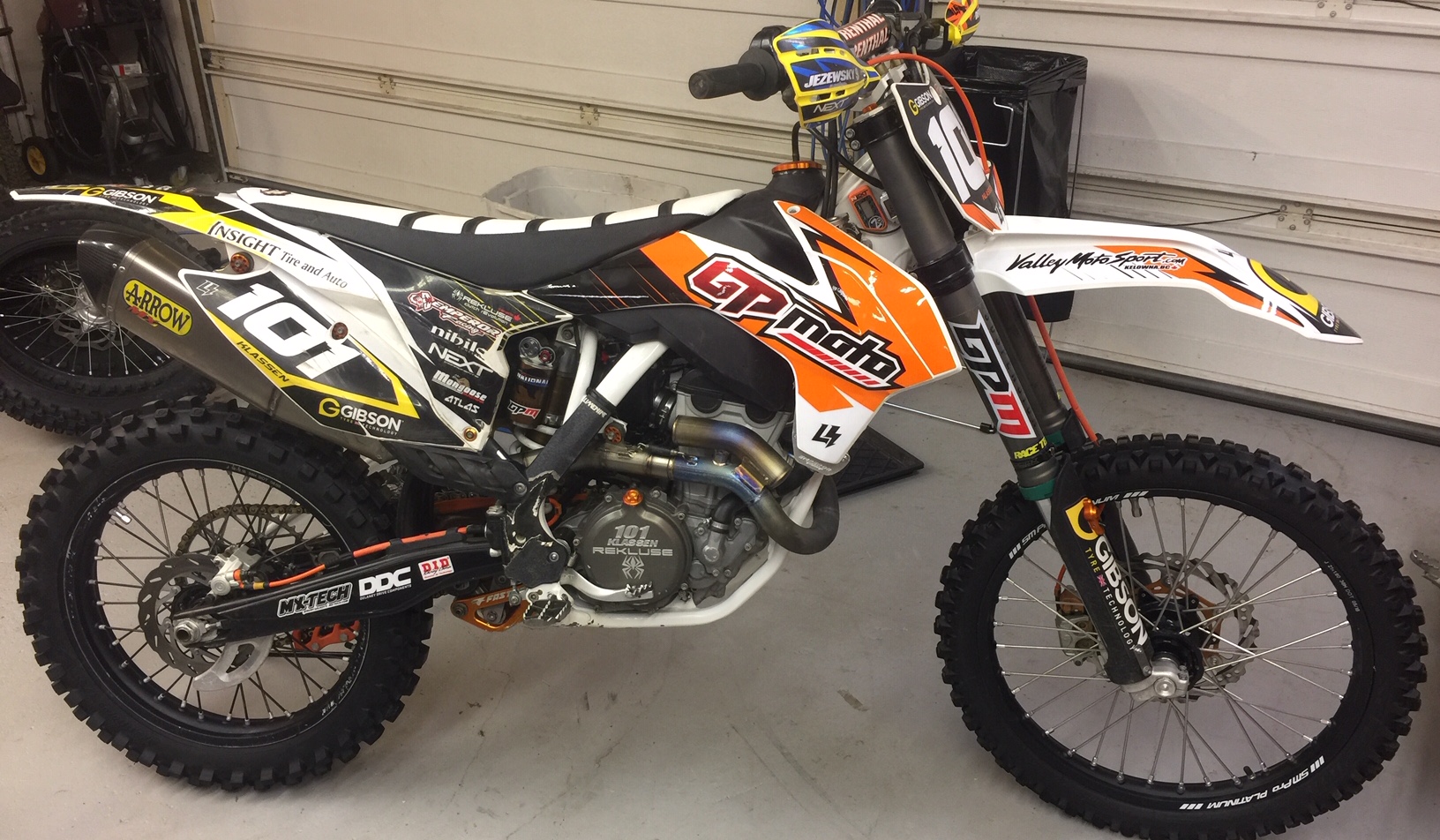
GP Moto is a small, performance based motorcycle suspension and engine shop that has seen the demands the industry puts on not only our machine but on our bodies too. With the popularity of Moto Movies and top athletes having You Tube vlog channels, we all easily see and realize now how critical it is to have our bodies functioning at a level that's on par with or above our equipment. Neither is more or less important than the other, yet sometimes we spend all of our time and money on bike stuff and neglect mind, body & spirit. We have maintained focus on top quality suspension service, offering custom valving and components from trusted companies like MX Tech, Race Tech, SKF, and more. Fifteen years experience building engines and suspension components has kept our customers and racers running strong and winning championships.
If you have any questions or concerns, feel free to contact us here.
SUSPENSION: From basic fork and shock service, to full custom springs and revalves, GP moto can handle all your suspension needs. At GP moto we use only the best shop equipment like an Intercomp spring tester to tooling from Race Tech, MX Tech, Snap On, Motion Pro and more!
For dirt we use internal components from SKF, Innteck, Race Tech, MX Tech or K-Tech Suspension USA. Valving and hard parts developed and tested by professional off road and motocross racers like Jeremy Wilkey, Paul Thede, Ian McKill and more. Attention to detail and passion shines through in the quality and performance of their stuff. Well known in the world of WP suspension, these companies are also extremely knowledgeable and successful tuning Showa and KYB. Using these companies for our springs, valving and cartridge kits was a no brainer. It's a win-win situation. I have parts I can stand behind 100% while you will be satisfied with the work we provide 100%.
- Details
- Written by Super User
- Category: Frontpage
- Hits: 4317
- Details
- Written by Super User
- Category: Frontpage
- Hits: 4876
You can place the below code on any DIV directly as a child to <div id="s5_body_padding"> and it will make it show up full screen.
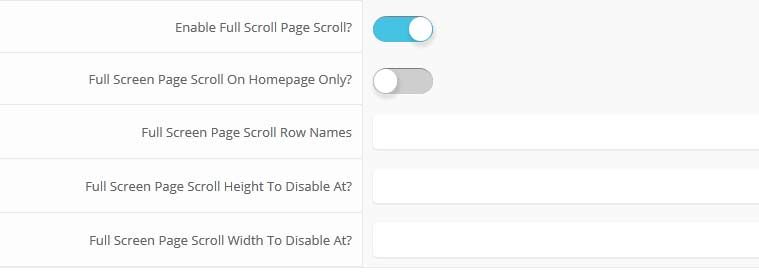
The below screenshot shows the admin area under the "layout" area of Vertex. You simply start adding names for the row names and then it will be enabled. Be sure to separate them by commas. You can enable the full page scroll to just show on the homepage only.
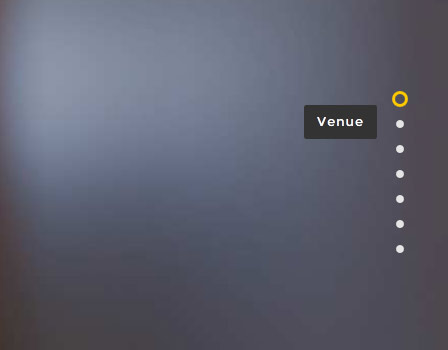
Fullscreen scroll navigation that shows on the right hand side of yoursite:
- Details
- Written by Super User
- Category: Frontpage
- Hits: 4168
From Snipcart.com's site:
"Simply add Snipcart’s HTML markup to any link/HREF to make it buyable. The markup allows you to define your product’s properties, including the price, the weight, the product name, the product page and anything you can think of! Once you’ve added this markup, you’re already halfway through."
Tutorial on How to Setup
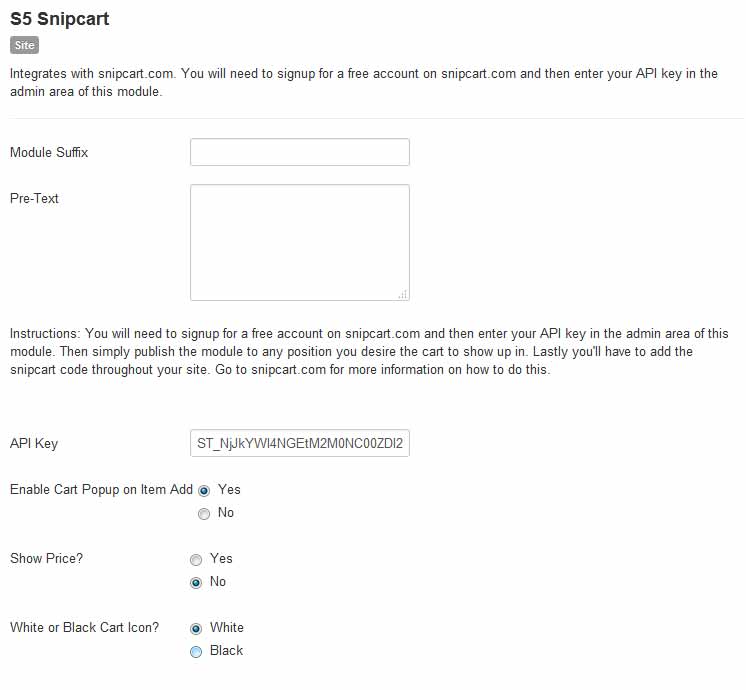
1. First you will need to signup for an account on snipcart.com.2. Once you signup you'll need to grab your API key for your account under the "Account > Credentials" area and add to the backend area of S5 Snipcart and published the module to a position on your site you desire the cart to show up in. You can also configure the cart icon and if it popups or not on item add.
4. Back on the snipcart.com website you'll also need to enter in your domain name under "Settings > General". Note that snipcart doesn't work on localhost, you will need to test and configure on a live domain. The reason being for snipcart security that checks your website on submission to be sure nothing was changed, like price, etc during add to cart process.
3. Now you are all setup and connected. The next part is where you'll need to add items to your site.
Admin Area Screenshot: